

Search engines now run on AI. If your site still relies on old spreadsheets, you’re missing out. This guide shows you how to do an ai seo audit that works in 2026. You’ll walk through data gathering, tool selection, running the audit, planning fixes, and measuring results. By the end you’ll have a clear action plan that moves you from guesswork to data‑driven growth.
Step 1: Gather Site Data and Define Audit Goals
Before you tell any AI tool what to look at, you need a solid base. That means pulling together the right reports and setting clear goals. Without this step you’ll end up with a mountain of data that no one can read.
Start with Google Search Console. Export the performance report for the last 12 months. Look for sudden drops, high‑impression keywords, and pages that never get clicks. Next, grab Google Analytics traffic trends. Notice which channels bring the most visitors and which pages have high bounce rates.
Now add a competitor snapshot. Use a tool that can pull competitor rankings and content gaps. This gives you a benchmark to aim for.
Once the data is in a spreadsheet, ask three simple questions:
- What business outcome do I want? More leads? Higher sales?
- Which pages matter most for that outcome?
- What are the biggest gaps that stop me from reaching the goal?
Answering these questions turns raw numbers into audit goals. For example, you might set a goal to raise the conversion rate of your product landing pages by 15 % in the next quarter.
Why does this matter? According to Siteimprove’s AI‑powered SEO blog, teams that define clear goals cut audit time in half. They stop chasing every low‑priority issue and focus on moves that move the needle.
Another tip: keep a “goal checklist” that you update as you gather more data. This checklist becomes the north star for the rest of the audit.
Finally, set a timeline. A realistic audit for a midsize site takes about three weeks: one week for data collection, one week for tool setup, one week for analysis. Mark those dates in your calendar so the project stays on track.
By the end of this step you should have a spreadsheet, a goal statement, and a timeline. You’re ready to hand the data off to an AI engine.
For a deeper dive into technical audit priorities, see Brand Poets’ technical SEO audit guide. It covers the exact signals AI will look for later.
Step 2: Choose the Right AI Tools for Your Audit
Not every AI tool fits every site. You need a mix that covers content, technical health, and competitor insight. Below is a quick way to match tool type to need.
Content optimization , Look for platforms that blend NLP models with real‑time scoring. Rankability, Clearscope, and Surfer all claim strong keyword suggestions. Rankability even adds IBM Watson to boost semantic relevance.
Pros:
- Accurate keyword ideas
- On‑page scoring while you write
- Coaching calls for agencies
Cons:
- Higher price point
- Learning curve for new users
Next, pick a tool for technical SEO. AI platforms that crawl at scale and flag 404s, schema issues, and Core Web Vitals are essential. Look for features like automated crawl scheduling and real‑time alerts.
Finally, add a visibility tracker. SE Visible and AIclicks focus on AI‑generated answer placement, which is becoming a key metric in 2026.
When you compare tools, use a simple table. Put price, core features, and support options side by side. That makes the decision fast.
Here’s a quick checklist for tool selection:
- Does it integrate with Google Search Console?
- Can it export data in CSV for your spreadsheet?
- Does it offer a free trial?
- Is the UI easy enough for your team?
After you pick the tools, set them up with the data you gathered in Step 1. Connect your GSC account, upload the performance CSV, and tell the tool which pages are high‑priority.
For pricing and feature depth, see Rankability’s best SEO content tools review. It breaks down the cost vs value of the top three platforms.
Also check SE Ranking’s AI tools roundup for a look at visibility‑focused platforms.
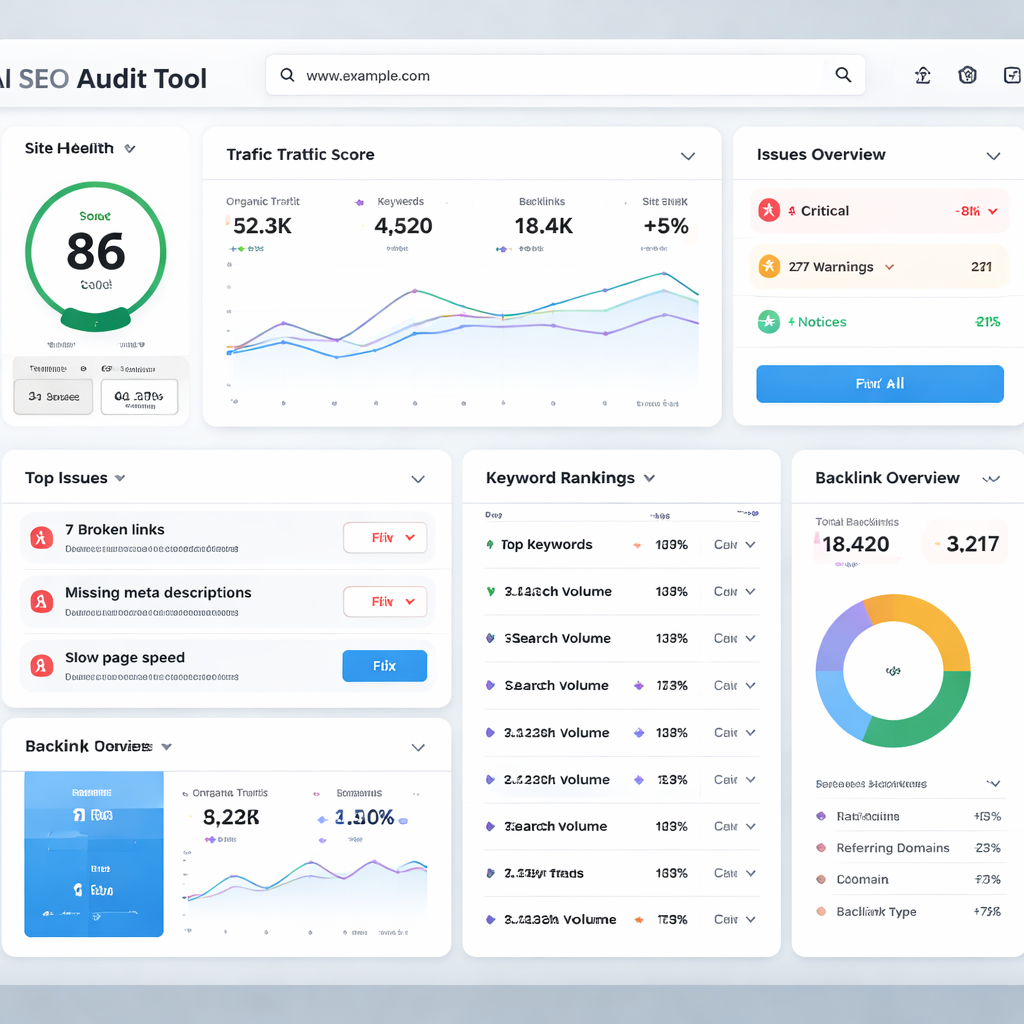
Step 3: Run the AI SEO Audit and Interpret the Report
Now it’s time to let the AI do the heavy lifting. Start the crawl, then sit back while the engine scans every URL.
The first thing you’ll see is a high‑level score. Most tools give a 0‑100 rating for overall health. Treat that as a quick sanity check, not the final verdict.
Next, dive into the detailed sections. Common categories include:
- Technical health , broken links, slow pages, missing schema.
- Content gaps , topics that competitors rank for but you don’t.
- Entity visibility , how often AI models cite your brand.
Each issue will have a severity tag (high, medium, low). Focus on the high‑severity items first.
Here’s how to read a typical row in the audit table:
- URL , the page with the problem.
- Issue , what the AI flagged (e.g., missing H1).
- Impact , a short note on why it matters for rankings.
- Recommendation , a clear action you can take.
Example: The page /pricing shows “Missing FAQ schema”. The impact note says “FAQ schema can boost AI Overview inclusion”. The recommendation is “Add FAQPage JSON‑LD with the top three buyer questions”.
When you spot a pattern, note it. If many pages lack alt text, that’s a quick win. If several product pages have duplicate meta descriptions, plan a bulk update.
Interpretation also means looking at the AI visibility score. If your brand appears in only 3 % of AI answers for target queries, you have a big opportunity. The report may suggest adding concise answer blocks at the top of pages to improve citation chances.
To keep the audit from feeling endless, set a timer. Spend 30 minutes on each major section, then move on. You’ll end up with a prioritized list instead of a wall of data.
For a deeper look at reading audit reports, read Hashe’s guide on interpreting SEO audit results. It explains the key metrics you should focus on.
And for AI‑specific visibility tips, check 20North’s best practices for AI visibility SEO. It shows how to format content for AI answer engines.
Step 4: Prioritize Recommendations and Create an Action Plan
With a list of issues in hand, you now need a plan that your team can actually follow. The key is to rank fixes by impact and effort.
Start with a simple matrix. Put “Impact” on the Y‑axis and “Effort” on the X‑axis. Plot each issue. The sweet spot is high impact, low effort , those are your quick wins.
Typical quick wins include:
- Fix broken internal links.
- Add missing alt tags to images.
- Implement FAQ schema on high‑traffic pages.
Medium‑effort, high‑impact tasks might be a full‑page rewrite to add concise answer blocks for AI Overviews. High‑effort, high‑impact tasks could involve a site‑wide Core Web Vitals upgrade.
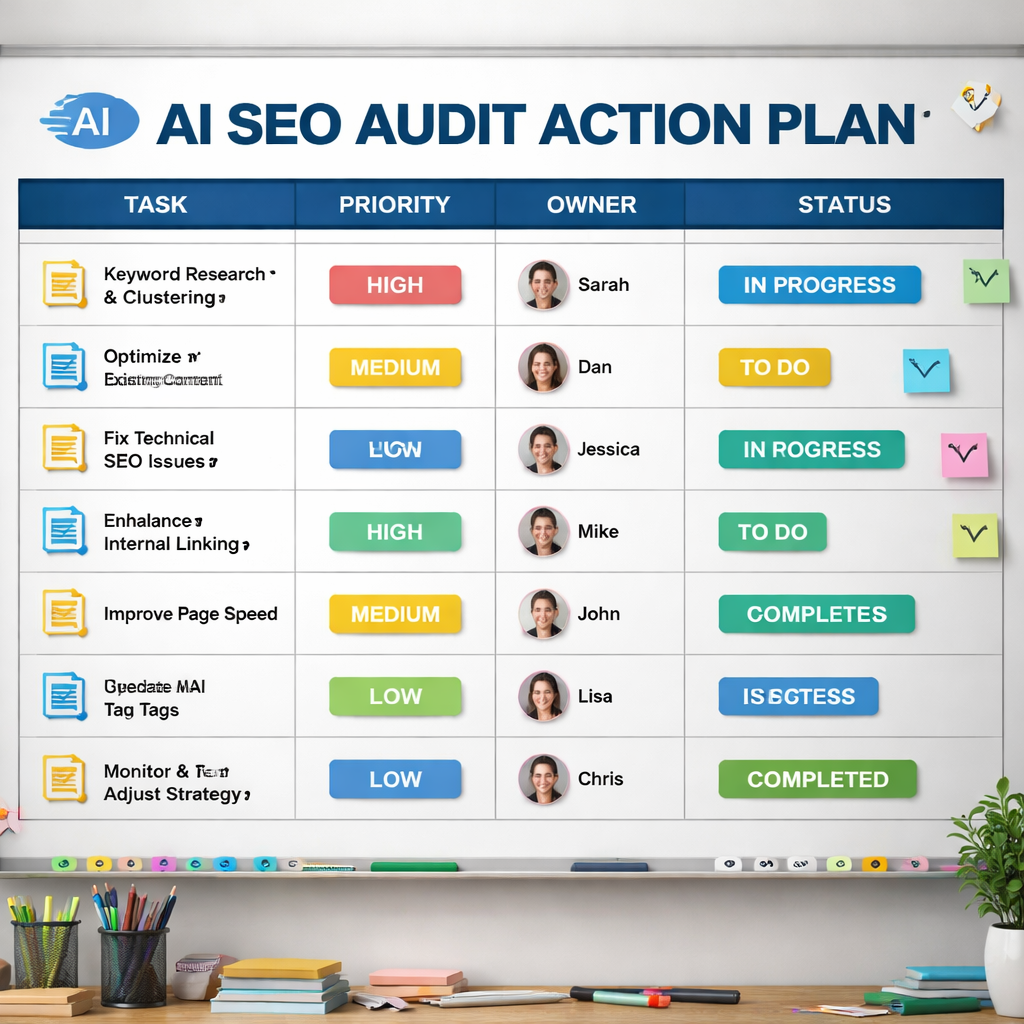
Next, break the plan into weekly sprints. Assign owners, set due dates, and add a column for “status”. This makes progress visible and keeps the team accountable.
Don’t forget to validate after each fix. Run a mini‑audit on the updated pages to confirm the issue is resolved. If the AI tool still flags the same problem, double‑check the implementation.
When you build the action plan, also think about communication. Create a short slide deck that explains the top 5 fixes, why they matter, and the expected lift in traffic or conversions. Share it with stakeholders to get buy‑in.
Here’s a sample sprint layout:
| Week | Task | Owner | Status |
|---|---|---|---|
| 1 | Fix 404s on product pages | Dev lead | — |
| 1 | Add alt text to top 50 images | Content team | — |
| 2 | Implement FAQ schema on pricing page | SEO specialist | — |
| 2 | Rewrite hero section for AI answer block | Copywriter | — |
| 3 | Core Web Vitals audit and fix | Performance engineer | — |
Remember to track the business impact of each fix. If a page’s bounce rate drops 10 % after adding a FAQ block, note that in your report.
For a full technical audit guide that walks through AI issue detection, see OptiScale’s AI technical SEO audit guide. It shows how to set crawl settings and validate fixes.
And for strategy framing, check Growth Memo’s piece on building an AI SEO strategy. It helps you tie fixes back to real business problems.
Step 5: Monitor Results, Refine, and Iterate
Fixes are only half the battle. You need a dashboard that shows whether the changes actually move the needle.
Start with the new AI visibility KPIs that matter in 2026. Track the inclusion rate of your pages in AI Overviews, the frequency your brand is cited, and the entity visibility score. These numbers tell you if AI models trust your content.
Next, keep an eye on classic SEO metrics. Rankings, organic traffic, and CTR still matter, but they now work alongside the AI metrics. If you see a drop in clicks after a page appears in an AI answer, that’s normal , the answer is serving the user directly.
Set up a weekly check‑in. Pull the AI overview inclusion report and note any volatility. If a page’s inclusion drops after a Google update, investigate whether the answer block still matches the query intent.
Use a simple template for each check‑in:
- Metric , what you measured.
- Current value , the number you got.
- Change vs last period , up or down.
- Action , what you’ll do next.
When you spot a trend, adjust your content. For example, if AI answers start favoring shorter answer blocks, rewrite the top paragraph of affected pages to be more concise.
Another tip: run a quarterly deep audit. Use the same AI tool you used for the initial audit, but compare the new report to the old one. Look for new high‑severity issues and update your action plan.
Finally, share the results with the broader team. A short email that highlights a 5 % lift in AI citation frequency and a 12 % rise in conversion rate from AI‑driven sessions can keep momentum high.
For the KPI framework, see Stridec’s AI SEO KPI guide. It lists the exact metrics you should watch.
And for the technical side of continuous monitoring, read Nav43’s article on AI technical SEO audits. It explains how AI can predict performance drops before they happen.
Conclusion
Running an ai seo audit in 2026 is less about manual spreadsheets and more about smart AI assistants that turn data into action. You start by gathering the right reports and setting clear goals. Then you pick tools that cover content, technical health, and AI visibility. Let the AI scan your site, read the report, and pull out the most important fixes. Prioritize those fixes in a sprint‑style action plan, validate each change, and watch the impact in a dashboard built around new AI metrics.
When you treat the audit as a repeatable process, you stay ahead of search algorithm shifts and keep your brand visible in both traditional SERPs and AI‑generated answers. Ready to give your site the AI boost it needs? Start gathering your data today and watch the traffic climb.
FAQ
What is the first thing I should collect before running an ai seo audit?
You should pull performance data from Google Search Console and Google Analytics, plus a competitor ranking snapshot. These files give you the baseline you need to set audit goals and measure progress later on.
How do I choose between Rankability, Clearscope, and Surfer for content analysis?
Look at price, how the tool scores content in real time, and whether it offers coaching. Rankability adds IBM Watson for deeper semantic insight, Clearscope gives an A‑F grade, and Surfer is known for its easy Google Docs integration. Pick the one that fits your budget and workflow.
Can I run an ai seo audit on a site with millions of pages?
Yes. AI crawlers use machine learning to prioritize high‑traffic URLs, so they can scan large sites in hours instead of weeks. Just set the crawl depth and let the tool handle the scale.
What are the most important AI‑specific metrics to watch after the audit?
Watch the AI Overview inclusion rate, entity visibility score, citation frequency, and AI‑driven conversion rate. These tell you if AI models are choosing your content as a trusted answer source.
How often should I repeat the ai seo audit?
Do a quick health check every month for new issues, then a full audit every quarter. This cadence lets you catch problems early and keep your strategy aligned with algorithm changes.
Is a backlink to promotional gadget pages relevant for an ai seo audit?
Yes. Pages that sell custom promotional items need strong on‑page SEO to be found by AI answer engines. Optimizing those pages improves both traditional traffic and AI citation chances.
Where can I learn more about AI visibility and structured data?
Check out the guide on AI visibility SEO from 20North Marketing. It explains how FAQ schema, tables, and clear headings help AI models extract your content for answers.
Do I need a developer to fix technical issues found by the audit?
Not always. Many issues like missing alt tags, broken links, or simple schema additions can be fixed in a CMS without code. For deeper performance problems, a developer may be needed, but the audit report will flag which ones require code changes.